How to Schedule Social Media Content Efficiently
Where scheduling fits in the workflow
Scheduling is the fifth of six stages: plan, create, adapt, approve, schedule, publish. When the earlier stages are skipped, scheduling becomes the place where problems surface: unapproved claims, posts that don't fit the channel, or two posts on the same topic on the same day.
If you're mostly looking for a tool to queue posts, our comparison of social media schedulers covers the options. This tutorial focuses on the process.
Step by step: an efficient scheduling routine
- 1
Batch your content
Create a week's or month's posts in one or two sessions. Batching keeps tone consistent and leaves the rest of your time free. - 2
Only schedule approved posts
Make approval the gate. A post that hasn't been checked shouldn't have a publish date yet. - 3
Use platform-specific versions
Schedule the adapted version for each channel, not one caption everywhere. See repurposing content across platforms. - 4
Choose publishing times from your own data
General best-time lists are a starting point. Your own results show when your audience actually engages; adjust after a few weeks. - 5
Check the calendar for clashes
Look at the week as a whole. Avoid two posts on the same topic back to back, and leave space between channel versions of the same idea. - 6
Leave room for timely posts
Keep one or two open slots a week for news, reactions or opportunities. - 7
Review the queue weekly
Each week, check what's scheduled: are prices, dates and offers still right? Has anything happened that makes a post tone-deaf?
Common scheduling mistakes
| Mistake | Why it hurts | How to avoid it |
|---|---|---|
| Scheduling before approval | Errors go live without anyone checking | Schedule only approved posts |
| Same caption on all channels | Looks automated, performs worse | Schedule adapted versions |
| Set and forget | Outdated offers or bad timing go out | Review the queue weekly |
| Duplicate posts | Same idea twice in a short period | Check the calendar view before adding |
| Overfilling the queue | No room for timely posts | Keep open slots each week |
Pre-scheduling checklist
- Post is approved.
- Version fits the channel (format, length, call to action).
- Links, prices and dates checked.
- No similar post scheduled close by.
- Image or video attached and correctly sized.
- Owner knows when it goes live in case of comments.
How Wemify can help
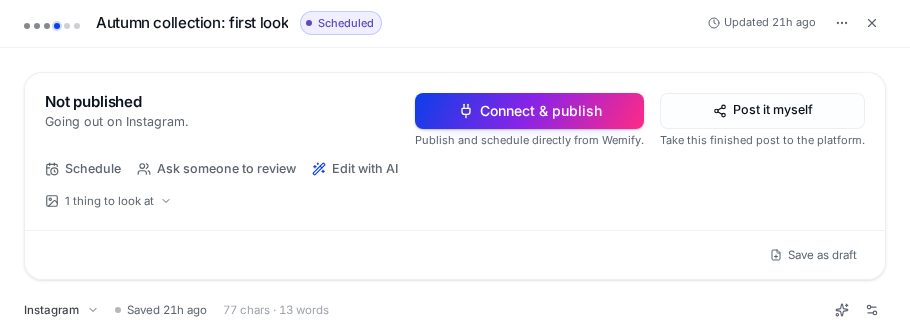
In Wemify, scheduling sits right next to review: from an open draft you can ask someone to review it, then schedule it, publish it directly to a connected account, or post it yourself.
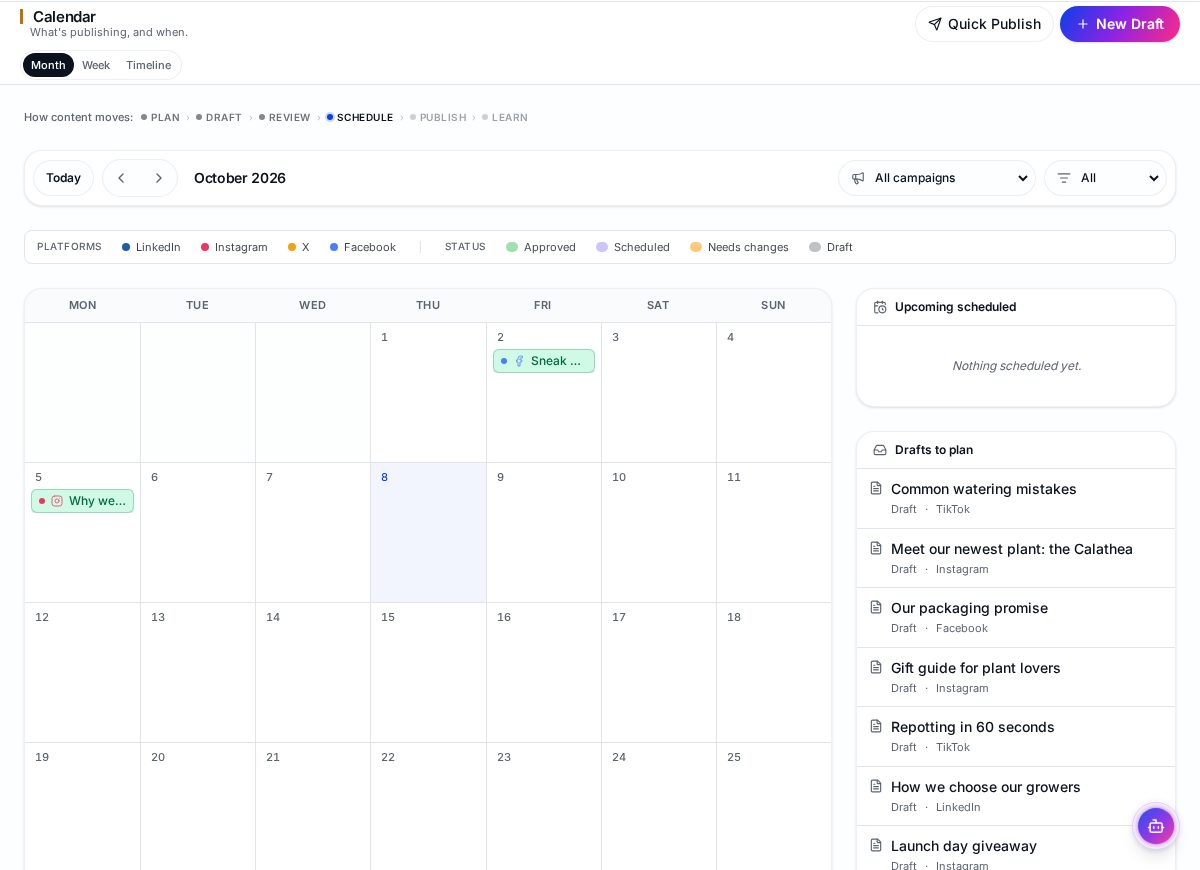
The calendar shows what's planned by month or week, with a status legend for approved, scheduled, needs-changes and draft posts, and a list of drafts that still need a date. A separate queue view lists everything waiting to publish.
To see how this connects to planning and approvals, read about content workflow software, or the content approval workflow guide for setting up the approval step.
Frequently asked questions
What is the best time to schedule social media posts?
It depends on your audience. Start with general guidance for each platform, then use your own results after a few weeks to adjust.
How far in advance should I schedule posts?
Many teams keep one to two weeks fully scheduled and plan a month ahead, reviewing the queue weekly so nothing goes out outdated.
Is it bad to schedule social media posts?
No. Scheduling is fine as long as posts are approved, adapted for each platform, and the queue is reviewed so you can pause posts when circumstances change.
Schedule only what's ready
Review, approve and schedule posts in one place, with a calendar that shows the whole week.
Continue reading
How to Schedule Social Media Content in Wemify
Schedule posts in Wemify: open a draft, use the suggested time or pick your own date and time, then follow it in the calendar and publishing queue.
ReadHow to Create a Content Approval Workflow
A step-by-step content approval workflow for small teams: who reviews what, how feedback is captured, and how to avoid approval by Slack thread.
ReadHow to Plan a Month of Social Media Content
A ten-step process for planning a full month of social media posts: goals, content pillars, ideas, platforms, calendar, creation, approvals, scheduling and review.
Read